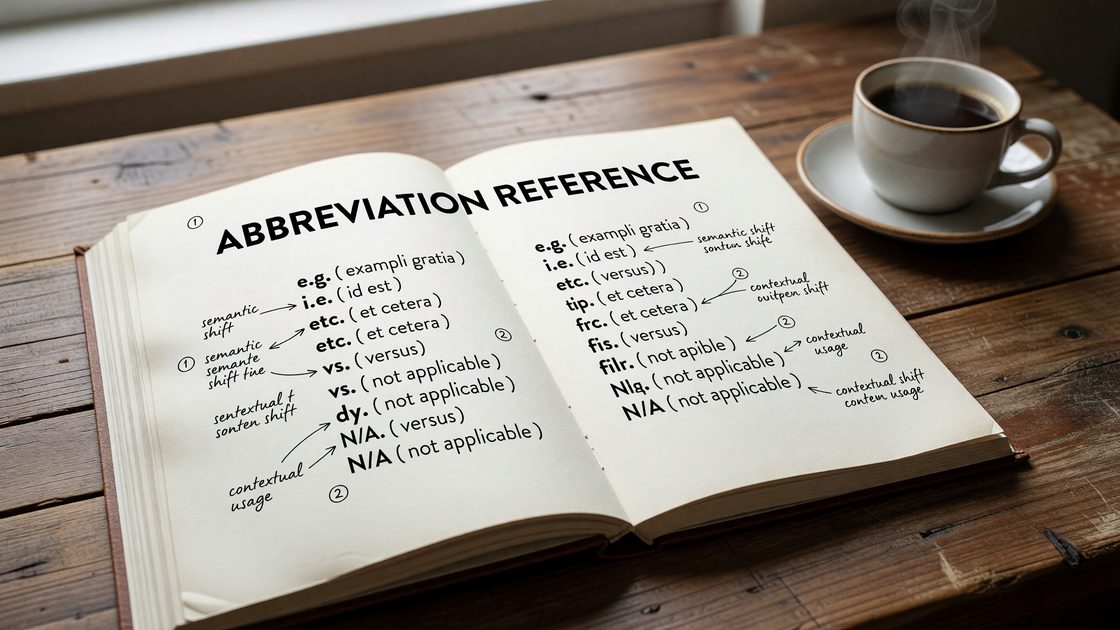
The <abbr> element occupies a small but specific corner of HTML semantics. It marks up abbreviations and acronyms — shortened forms of longer terms — and optionally carries a title attribute that exposes the full expansion. Used well, it improves clarity for screen reader users and gives browsers and search tools a structured signal about terminology. Used carelessly, it adds noise without benefit.
Here is what the element actually does, how assistive technologies interact with it, what happened to <acronym>, and when to leave <abbr> out entirely.
What <abbr> Is For
The WHATWG HTML Living Standard defines <abbr> as representing “an abbreviation or acronym, optionally with its expansion.” The element itself conveys that the wrapped text is a shortened form of something. The title attribute carries that expansion.
<abbr title="Cascading Style Sheets">CSS</abbr>
That is the canonical pattern: the visible text is the short form, the title value is the expanded form. The two-part structure is intentional — the element marks the semantic role, the attribute carries the metadata.
What <abbr> does not do is mandate any particular rendering or announce the expansion automatically to all users. Both of those behaviors vary by browser, operating system, and assistive technology — a critical point covered in the screen reader section below.
Abbreviations vs. Acronyms vs. Initialisms
The spec uses both “abbreviation” and “acronym” as synonymous targets for the element, but the distinction matters in practice — especially for pronunciation.
An abbreviation is any shortened form: Dr. for Doctor, approx. for approximately, Jan. for January. These typically retain letters from the original word and are read as words or with a pronounced period.
An acronym is a shortened form that is pronounced as a new word: NASA (National Aeronautics and Space Administration), scuba (self-contained underwater breathing apparatus), JPEG (Joint Photographic Experts Group). Screen readers and human readers alike say the resulting word aloud.
An initialism is composed of initial letters but is not pronounced as a word — each letter is spoken individually: CSS (Cascading Style Sheets), HTML (HyperText Markup Language), FBI (Federal Bureau of Investigation). This is where the distinction from acronyms becomes meaningful: a screen reader handling an initialism phonetically would produce nonsense, whereas an acronym spoken as a word is natural.
The <abbr> element does not carry a machine-readable attribute that encodes which type of shortened form it contains. The title attribute expansion helps users understand the meaning, but how the short form itself is spoken is still determined by the screen reader’s pronunciation engine, custom dictionaries, or SSML — not by <abbr> alone.
The title Attribute
Adding a title attribute to <abbr> provides the expansion in a machine-readable form. It also produces a browser tooltip on hover — the familiar dashed underline cue followed by the tooltip appearing after a pause.
<p>The site uses <abbr title="Content Delivery Network">CDN</abbr> caching for static assets.</p>
When present, the title must contain the expansion and nothing else. The spec is explicit: on <abbr>, the title attribute’s particular meaning is the full expansion of the abbreviation. Adding supplementary text — definitions, notes, sources — would be a misuse of the attribute on this element.
When you omit the title, the element still has semantic value. It signals to parsers, search engines, and assistive technologies that the wrapped text is an abbreviation, even without the expansion inline. Whether that bare usage is worth the markup depends on context.
Screen Reader Behavior
This is where assumptions about <abbr> often break down. Browser tooltips work predictably on hover, but screen reader behavior is neither universal nor guaranteed.
NVDA (NonVisual Desktop Access) will, by default, announce the title attribute value of an <abbr> element when the user navigates to it or places focus on it — for instance, when tabbing through interactive content. In browse mode, NVDA reads the title when it encounters the element during linear reading if the user has “Report title” enabled in document formatting settings. That setting is on by default, but users can disable it. The expansion is announced as additional information following the abbreviation text.
VoiceOver on macOS and iOS does not automatically expand <abbr title> during standard reading. A VoiceOver user navigating paragraph text will hear the abbreviation text itself — CSS, API, WHO — without the title being announced. The title is accessible via the rotor and by activating the element, but it is not surfaced in the default linear reading flow. This is a meaningful gap: a user relying on VoiceOver for a content-heavy article will not hear expansions unless they interact with each abbreviation individually.
JAWS behavior has varied across versions and depends on verbosity settings. In some configurations it will speak the title on element focus; in others it does not expand abbreviations automatically during reading.
The practical takeaway: do not assume the title attribute alone is sufficient to communicate an expansion to all screen reader users. For critical terminology — especially initialisms that are meaningless without context — spell out the full term the first time it appears in text, then use the abbreviation thereafter. The <abbr> element and its title can supplement that first-use expansion, but they should not replace it.
This aligns with the WCAG 3.1.4 Abbreviations criterion (Level AAA), which asks that a mechanism for identifying the full form be available. Inline first-use expansion satisfies that criterion directly and does not depend on any particular assistive technology behavior.
The Deprecated <acronym> Element
Earlier versions of HTML — through HTML 4.01 — included both <abbr> and <acronym> as distinct elements. The intended division was that <acronym> would wrap true acronyms (words formed from initials, like NATO or radar) while <abbr> would cover other shortened forms.
The <acronym> element was removed in HTML5 and is absent from the WHATWG Living Standard. The rationale was straightforward: the semantic distinction between acronym and abbreviation is not reliably meaningful to user agents, and maintaining two elements for what is functionally the same authoring need added complexity without benefit. All existing use cases for <acronym> are handled by <abbr>.
If you encounter <acronym> in legacy codebases, replace it with <abbr>. Browsers still render it without error — it is treated as an unknown inline element and inherits text styling — but it carries no semantic weight in current HTML and should not appear in new markup.
CSS Styling
Browsers historically rendered <abbr title> with a dotted underline to signal the presence of a tooltip. That convention has eroded: some browsers no longer apply it by default, and the exact rendering varies. If you want consistent visual indication that an abbreviation is expandable, apply it explicitly in CSS.
abbr[title] {
  text-decoration: underline dotted;
  cursor: help;
  text-underline-offset: 2px;
}
The cursor: help value changes the pointer to a question mark on hover, reinforcing that additional information is available. The text-underline-offset adjustment keeps the dotted line clear of descenders.
For <abbr> elements without a title, you may choose not to apply the dotted underline — the absence of expansion metadata means there is nothing to surface on hover.
Avoid styling <abbr> in ways that remove all visual distinction from surrounding text when a title is present. The tooltip is a usability affordance for sighted users who may not know the expansion; stripping the visual cue removes access to that affordance for mouse users.
When Not to Use <abbr>
The element is not required every time an abbreviated term appears on a page. Some patterns where <abbr> adds friction without benefit:
When you define the term inline on first use. If your text reads “the API (Application Programming Interface) accepts JSON”, the expansion is already visible in prose. Wrapping API in <abbr title="Application Programming Interface"> duplicates the information and adds markup weight without improving accessibility — the reader has already seen the full form.
When the abbreviated form is universally understood in context. On a developer-focused site, wrapping every instance of HTML, CSS, and JavaScript in <abbr> elements creates noise without communicating anything a reader does not already know. Use judgment about your audience. The WCAG abbreviations criterion is Level AAA, not a baseline requirement.
When the same abbreviation appears repeatedly throughout a long article. Expanding the term once — either in text or via <abbr> on first use — is sufficient. Wrapping every subsequent instance in <abbr title> creates repetitive announcements for screen reader users navigating the page and adds significant HTML bulk for no incremental user benefit. Mark the first occurrence; leave subsequent uses as plain text.
When the abbreviated form is a proper noun or product name. Wrapping NASA in an <abbr> element on an editorial site serves little purpose — it is not helping a user parse an ambiguous term. Reserve <abbr> for cases where the expansion genuinely clarifies something.
Practical Authoring Pattern
A consistent approach that balances semantics, accessibility, and authoring pragmatism:
- On the first use of a non-obvious abbreviation in body content, expand it in plain text: “the Document Object Model (DOM)”.
- Optionally, also mark that first instance with
<abbr title="Document Object Model">DOM</abbr>if you want the machine-readable signal and tooltip for hovering users. - Do not mark subsequent instances in the same article.
- For very technical content on specialist sites where readers know the domain, skip
<abbr>entirely and rely on first-use prose expansion alone.
This pattern satisfies WCAG 3.1.4 through inline text, does not create screen reader repetition issues, and keeps markup clean. The <abbr> element earns its place when you need both the semantic signal and the tooltip — not when either one is sufficient on its own.
For a deeper look at how semantic elements shape document structure and assistive technology interaction, the guide to ARIA roles and HTML semantics covers the broader relationship between native HTML meaning and accessibility APIs. Type choices for code samples — including how to handle technical abbreviations in monospace contexts — are discussed in the web typography and readability guide.